ModernPaste for Windows
ModernPaste is an intelligent overlay workspace for Windows 11. Everything you've copied, organized and ready to paste, without ever leaving your flow.
Public early access on the Microsoft Store.
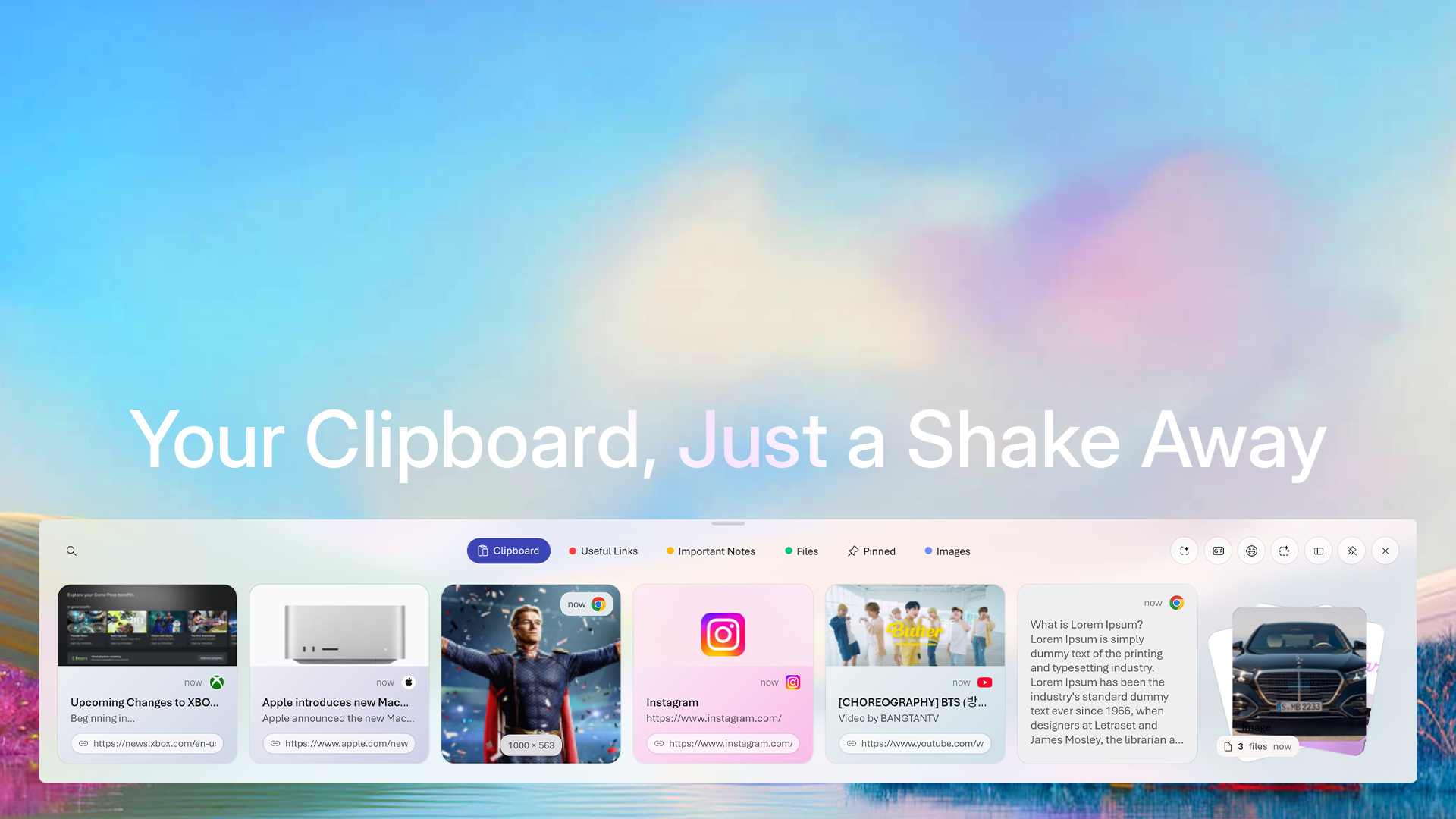
Canvas
Open the full window to search and filter your entire history. Flip the encryption toggle to keep clipboard data protected, and find anything in seconds.
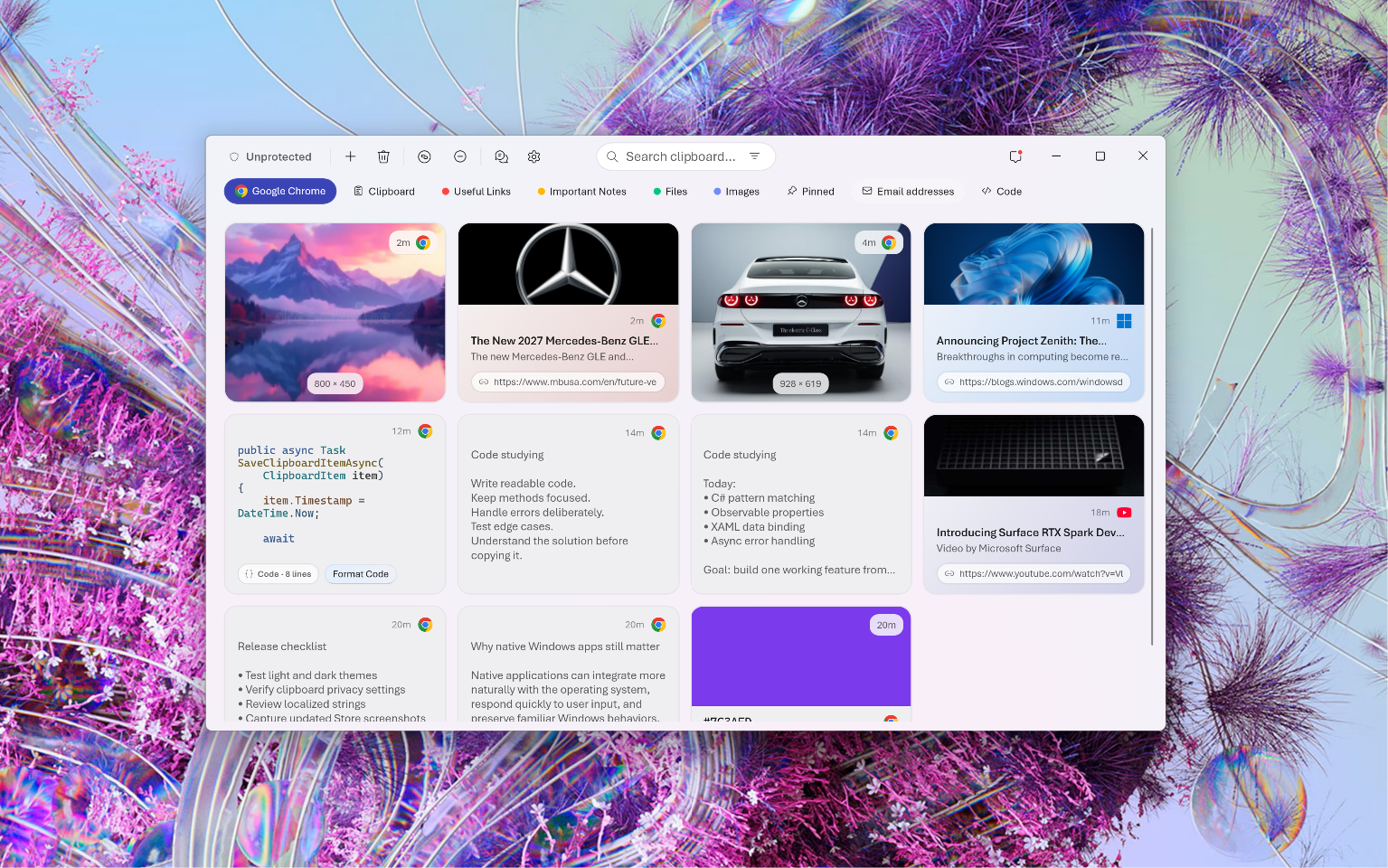
Collections
Smart collections sort code, email addresses, colors, tracking numbers, and more on their own. Build custom collections for the rest, and keep important clips safe from automatic cleanup.
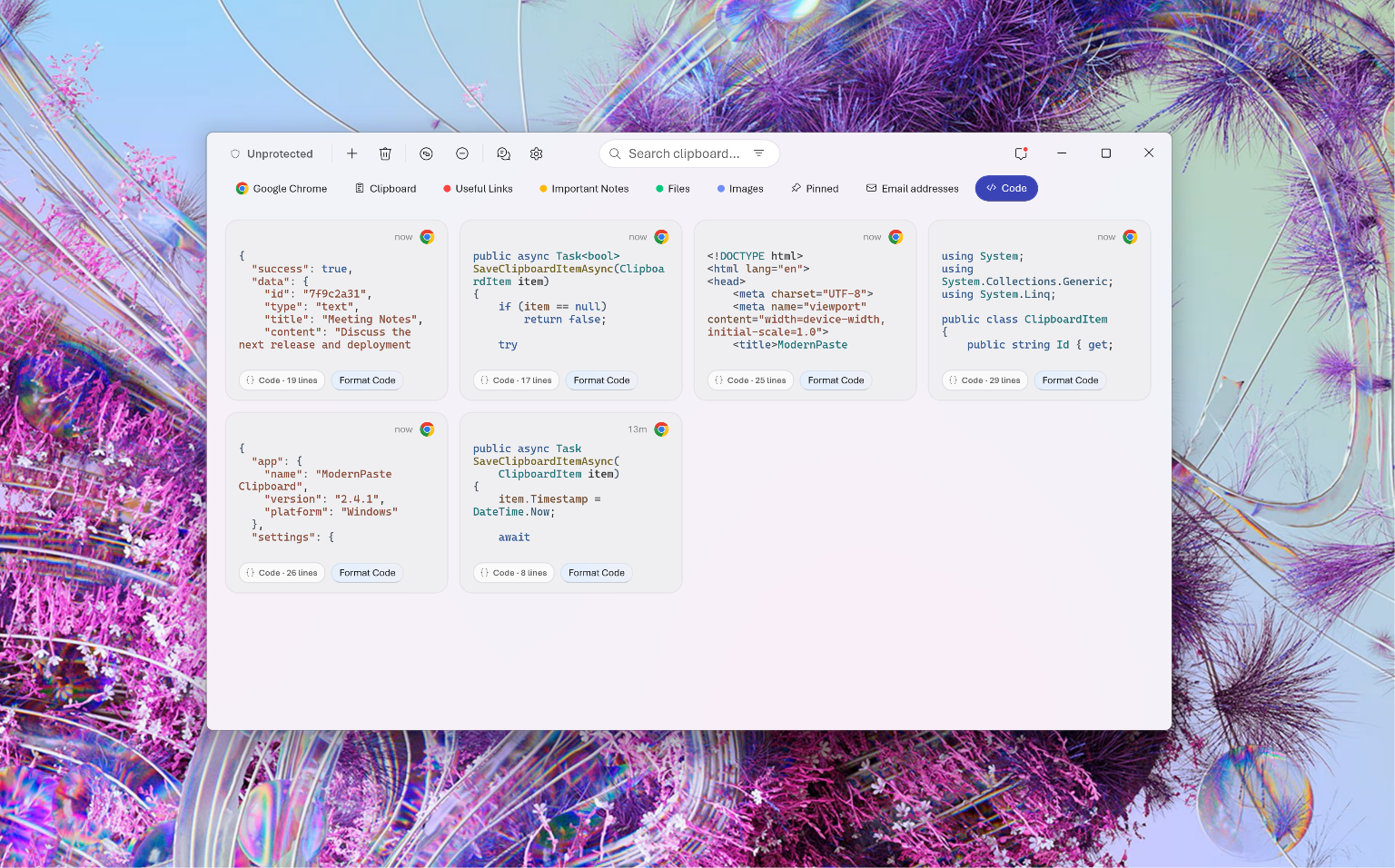
Popout cards
Turn any clipboard item into a floating card and place it on your desktop. Links, code, video, colors, whatever you're working with stays in sight.
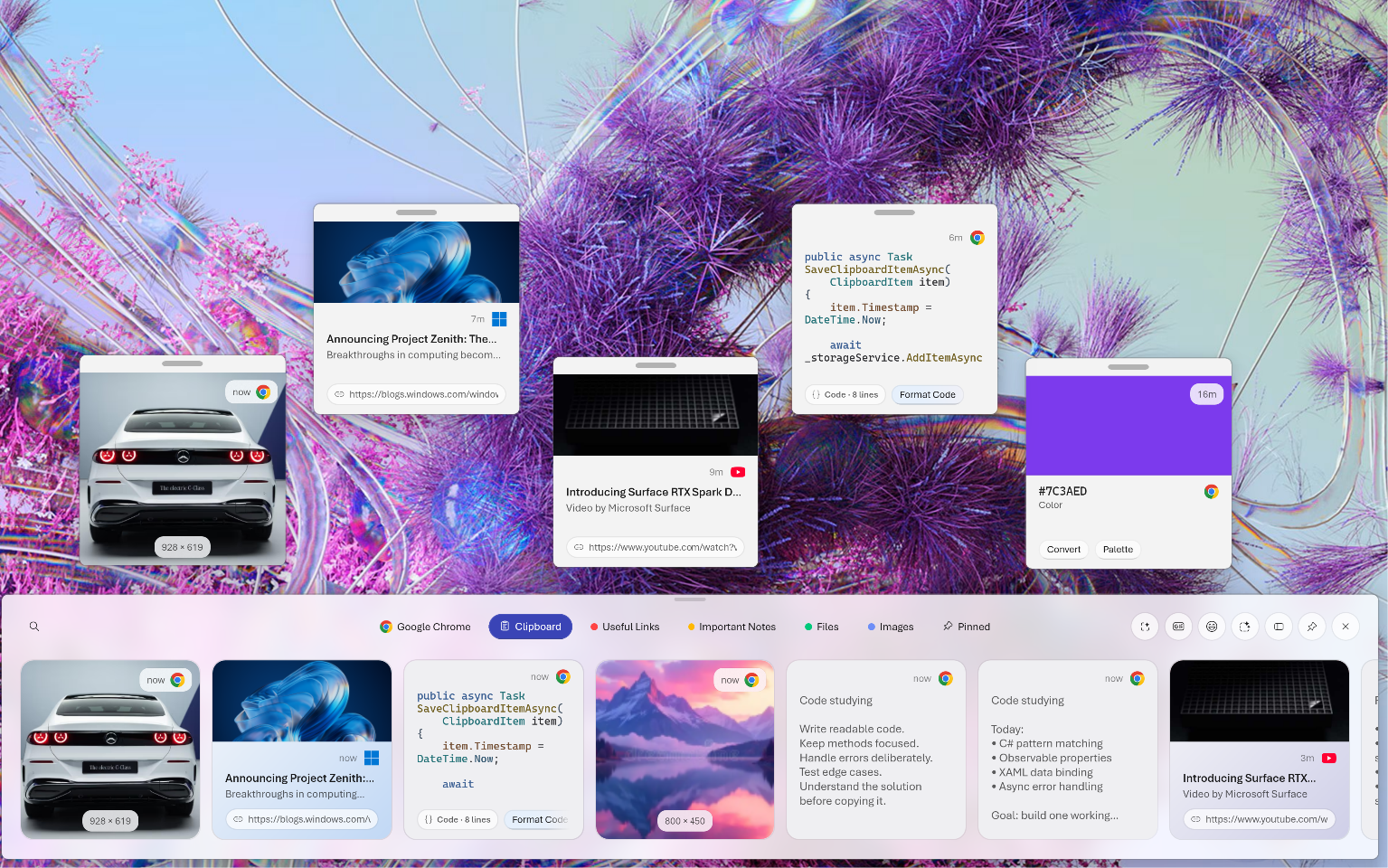
Local intelligence
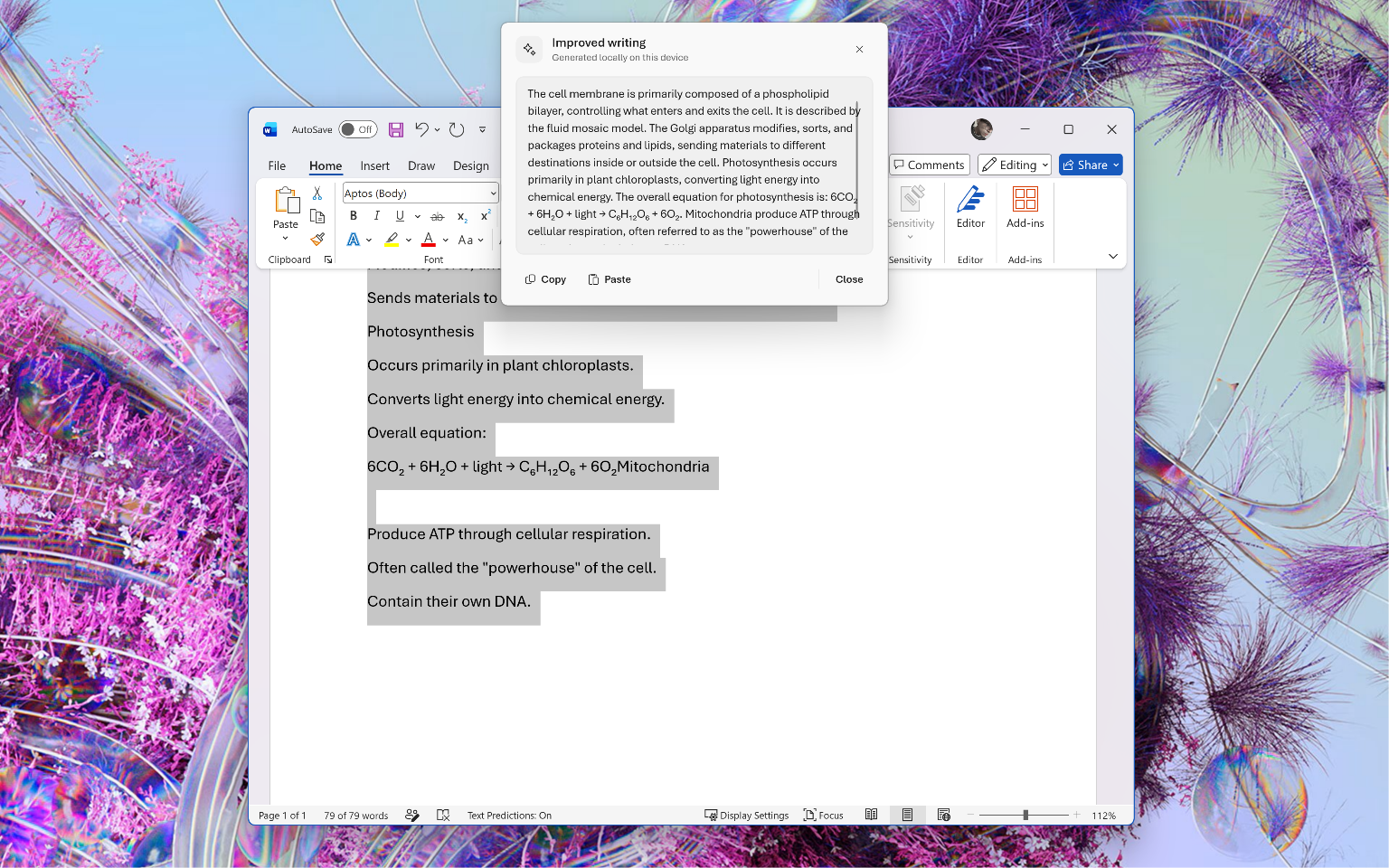
Improve writing, fix grammar, summarize, and more in any app on Windows. Every action runs on your device, so your words never leave your machine.
And more
Skip the keystroke entirely. Shake your mouse and the overlay appears.
Take over the default Windows clipboard, or keep both side by side.
Search GIFs and pick emoji without leaving the overlay.
Pull text straight out of any image you've copied.
The overlay adapts its accent color to what you've copied.
Lock your most-used text so it's always one paste away.
Dock the overlay horizontally, or switch to a vertical layout.
Stack related files together and paste them as a group.
No ads. No upsells. Native WinUI 3, private by design.
Early access
Get ModernPaste on the Microsoft Store and shape where it goes next.
Get ModernPaste on the StoreQuestions

 View all apps